9 Using GenAI 101: The Basics
An Introduction to Things You May Already Know
Right off the bat, there’s two things we need to establish about GenAI:
- It’s constantly changing and updating so even if you think you’ve mastered it, you probably haven’t.
- Everyone has different levels of comfortability and understanding of it.
That second one is probably more important for what we’re going to be using GenAI for. Some of you likely already have significant experience using it for multiple things, while others have never even attempted anything. Both are fine and neither will be an issue in this class. We’ll be working on the basics – specifically on what we need for our writing work – and creating a level playing field for everyone. If something seems basic and review-like to you, just try to remember that there was a time when it was new, scary, and confusing for you too.
Vocabulary
Let’s take a moment to review some key terms, just so we’re all on the same page…
- GenAI – An abbreviation for Generative AI which is the term used to refer to any of the online artificial intelligence apps that allow their users to generate something. For example, ChatGPT, Google Gemini, Microsoft Copilot.
- Chatbot – The name used for the GenAI interface. The thing you ‘talk’ to and ask to create things for you or answer your questions.
- Prompt – The prompt is the information/question/instructions that the user (you) submits to the chatbot. When you ask ChatGPT to “explain what the recursive nature of writing is” or “how do I change the sparkplugs in a 2004 Chevy Tahoe”, you’re giving it a prompt. One of the things we’re going to look at closely is how to create good and useful prompts (in GenAI terms, that’s called prompt engineering.)
Those are the basic terms that we’ll be using in this book and in the course, so now that we all have a common vocabulary, things should be a little less confusing.
How Will We Use It?
In this class, you are all writers. As writers, there are a variety of different ways you can use GenAI to assist, supplement, and refine your writing. There will be some specific tasks we’ll turn to your chosen GenAI for over the course of the semester.
But there’s one thing that you should never use GenAI for: doing the writing for you.
We’ll dig into the many reasons why you shouldn’t use GenAI to write for you later on in the course so for now, let’s focus on the things we can and will use it for:
- Brainstorming – Anyone who has ever written anything more complicated than a grocery list can tell you that one of the hardest parts of writing is figuring out what to write about or how to go about it. GenAI can be exceptionally helpful in that regard. With the right prompt, your chosen chatbot can help generate ideas for topics, points, audiences, and supports. Think of it as if you were sitting in a circle in the classroom, tossing ideas back and forth with the other students. GenAI can help you find a direction and an approach and then it can leave the actual writing to you.
- Peer Review – Ever taken a class where the instructor puts you into small groups and asks you to share your essay drafts with a few of you classmates and they leave comments and feedback for you? If you have, I’m sure you probably hated it – most students do – and you might not have gotten anything helpful out of it. Let’s face it: other students are probably in the same boat you are and not really prepared/trained to offer truly helpful feedback. That’s where GenAI can come into play. With the right prompt, your chosen GenAI can act like a writing tutor, teacher, editor, or audience member and give you useful feedback on your drafts. And you can be even more specific and ask for feedback on certain elements of your writing, such as the organization, tone, or cohesiveness.
- Research – There’s a lot to this one, but we’re only going to cove some of it. One of the most common uses of GenAI for students is to help with research. Sometimes, that means using it almost like a better Google search. But there are other, more advanced ways that GenAI can help with research – collecting and organizing sources, summarizing documents, pulling out relevant content and quotes – that you can use to streamline the research process.
How Do I Do It?
As we move through the course, we’ll get into some of the more specific ways you can engineer a prompt for your chosen GenAI but for right now, let’s cover the basics. For our examples, we’ll be using Google’s Gemini AI but all the GenAI’s function in the same way.
Go to your chosen GenAI’s main page. That means either opening up the app on your phone or typing in the web address (i.e. gemini.google.com, chatgpt.com). The main page should be fairly basic, primarily including the GenAI’s name and an empty search box.
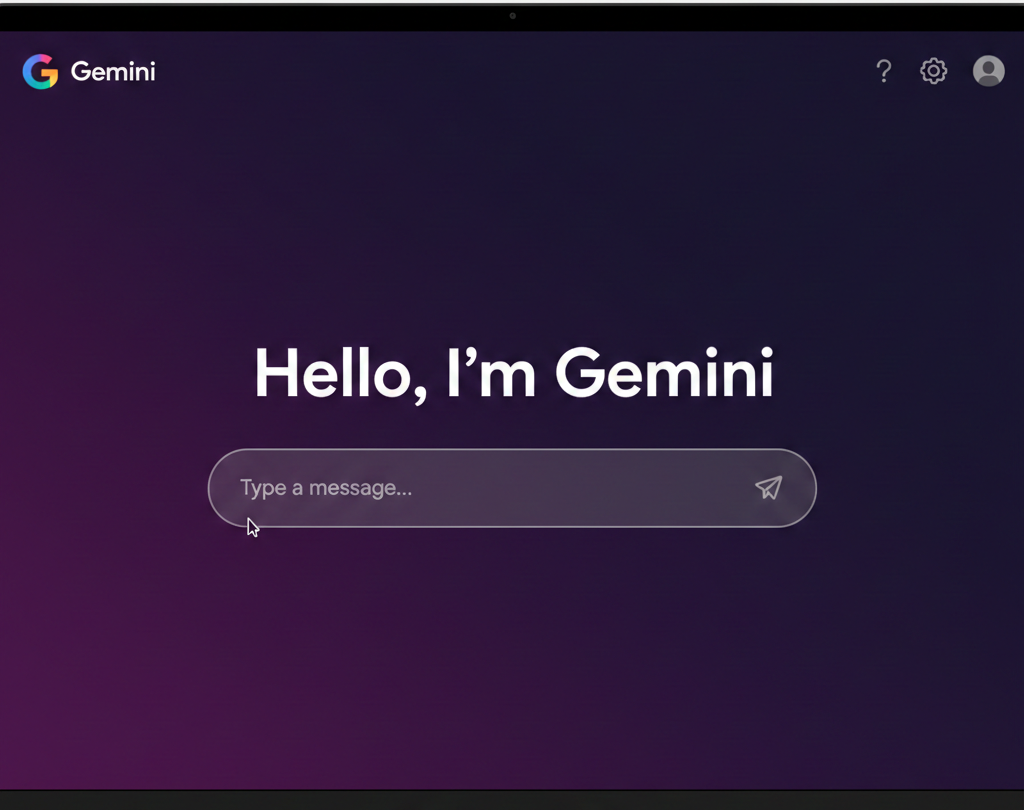
From there, you can type your prompt into the search box. For example, you could type in “how do I change the sparkplugs on a Chevy Tahoe”.

The text that you type into the search box is your prompt. It’s a command – even if you phrase it as a question – that prompts the GenAI to do something.
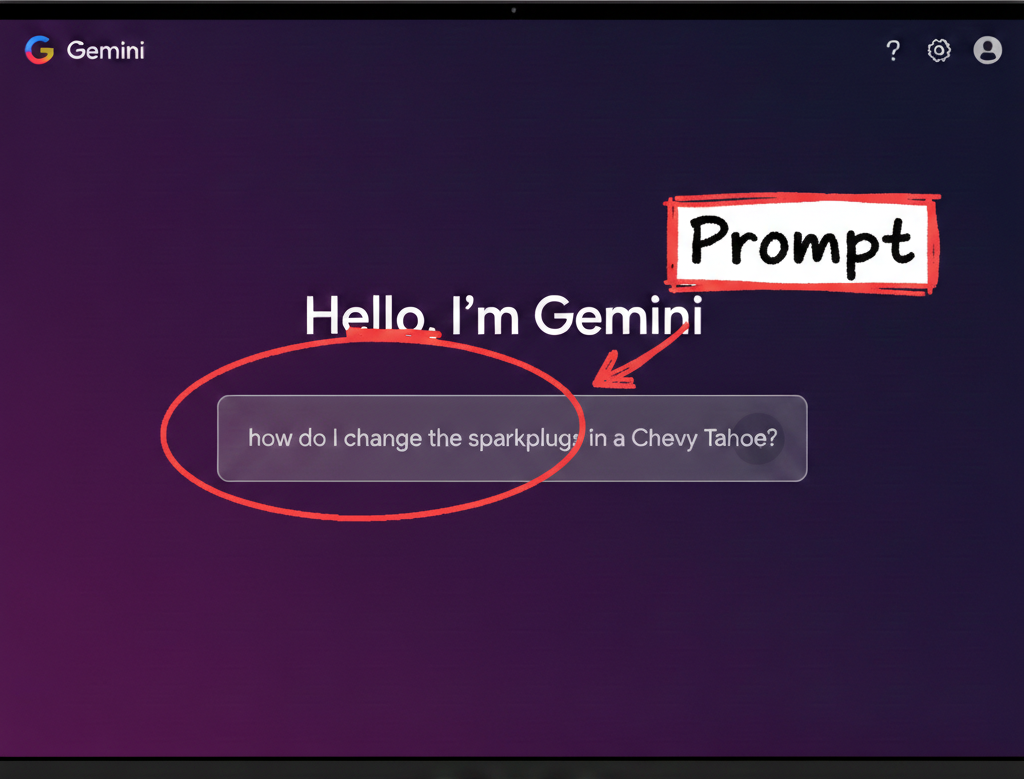
That’s essentially it. As we use GenAI in the course, we’ll develop some more complex strategies for engineering prompts that do a bit more than just tell you how to do something. But all of those strategies and techniques will be built off this basic beginning.