10 Using GenAI 101: Prompt Engineering
A Step Beyond the Basics
We covered the basics of prompting a GenAI in an earlier chapter. Now, we’re going to get into the work of ‘prompt engineering.’ Essentially, that’s a strategy to provide the AI with a more specific and sometimes specialized prompt that will, in turn, provide you with more specific and specialized outputs/results.
In our earlier examples, we used a very basic prompt – how do I change the sparkplugs on a Chevy Tahoe – that could have just as easily been a Google search or a search for a video on YouTube. One of the biggest benefits of GenAI is that users can go beyond those basic searches and take greater advantage of the ‘intelligence’ part of artificial intelligence.
There are a variety of different descriptions and methods of prompt engineering posted all over the internet. A very simple YouTube search results in a near endless scroll of videos dedicated to that very concept. We’re going to focus in on one that will serve our needs the best: The PTCF method.
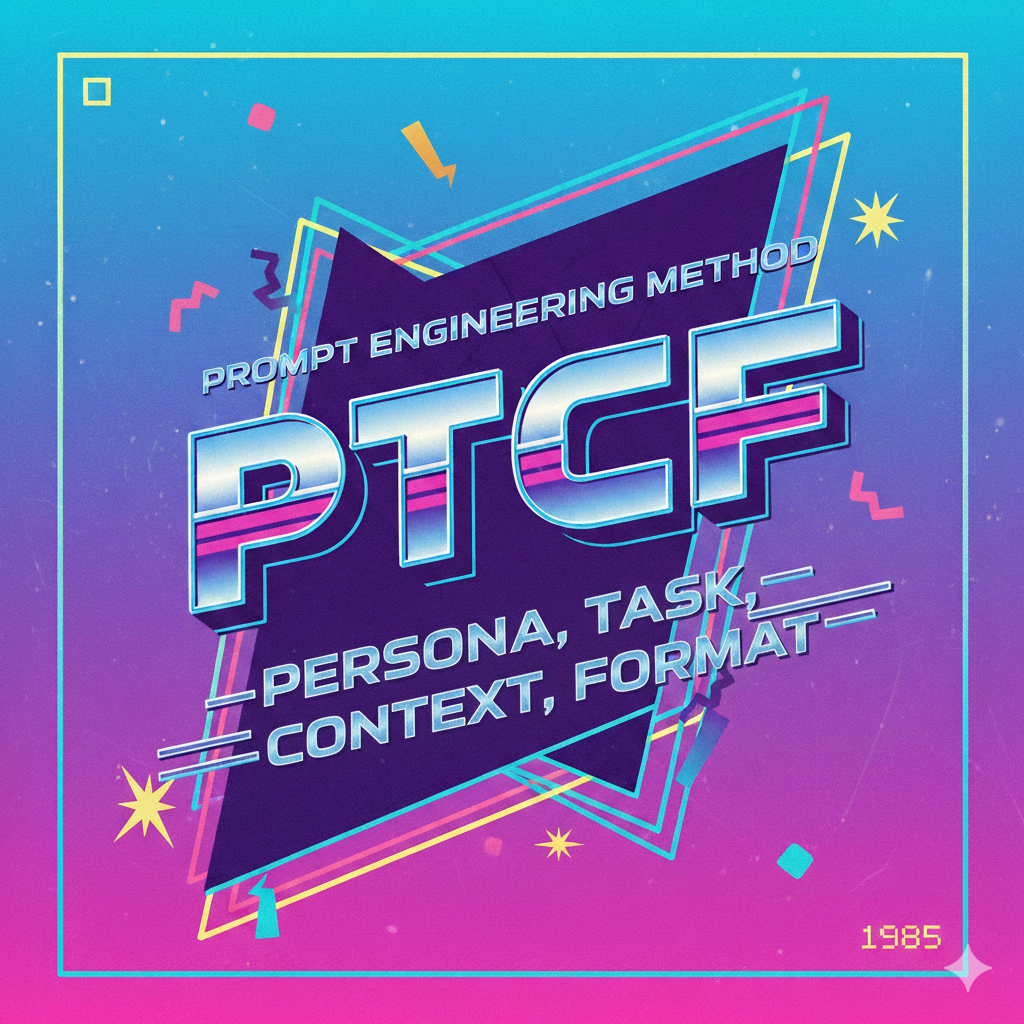
The PTCF method focuses on each user being able to control the individual elements of the prompt: the persona, the task, the context, and the format.
The Persona
One of the biggest differences between that basic Google search and using a GenAI is the concept of the persona: the role that the user assigns the GenAI to play. Unlike in a Google search, a GenAI allows users to specify who or what the AI should ‘pretend’ to be. Each of these prompts features a different persona for the GenAI to take on:
-
- You are a professional writing tutor…
- I would like you to act as a copyeditor…
- You are a successful financial advisor…
The persona part of the prompt assigns a role to the AI which the AI applies to the rest of the prompt, influencing and shaping the results/outputs. In some cases, the persona can be a specific role or profession, as in the examples above. In other cases, it might be a description of what the AI is responsible for – You have been put in charge of developing an orientation packet for new hires – or it might be a description of what you, as the user, do – I’m a PR manager for a midsize budgeting software development company. In either case, the persona gives the GenAI a specific set of guidelines and parameters that will help to guide its end results.
Task
Once you’ve established the persona, the next step is to let the GenAI know what task you need it to complete. This is an area where you’ll want to be very specific so that the AI knows exactly what you want it to do. For example, when I prompted Gemini to create the image above that listed the parts of the PTCF method, this was the task part of the prompt: generate a 1980s themed graphic that spells out the acronym for the PTCF method of prompt engineering: persona, task, context, format.
I was very specific as to the style (1980s themed) and content (the acronym spelled out) I wanted which resulted in the graphic you saw earlier. But, in it’s first iteration, my prompt read like this: a 1980s themed graphic that spells out the acronym for the PTCF method of prompt engineering. And that got me this:
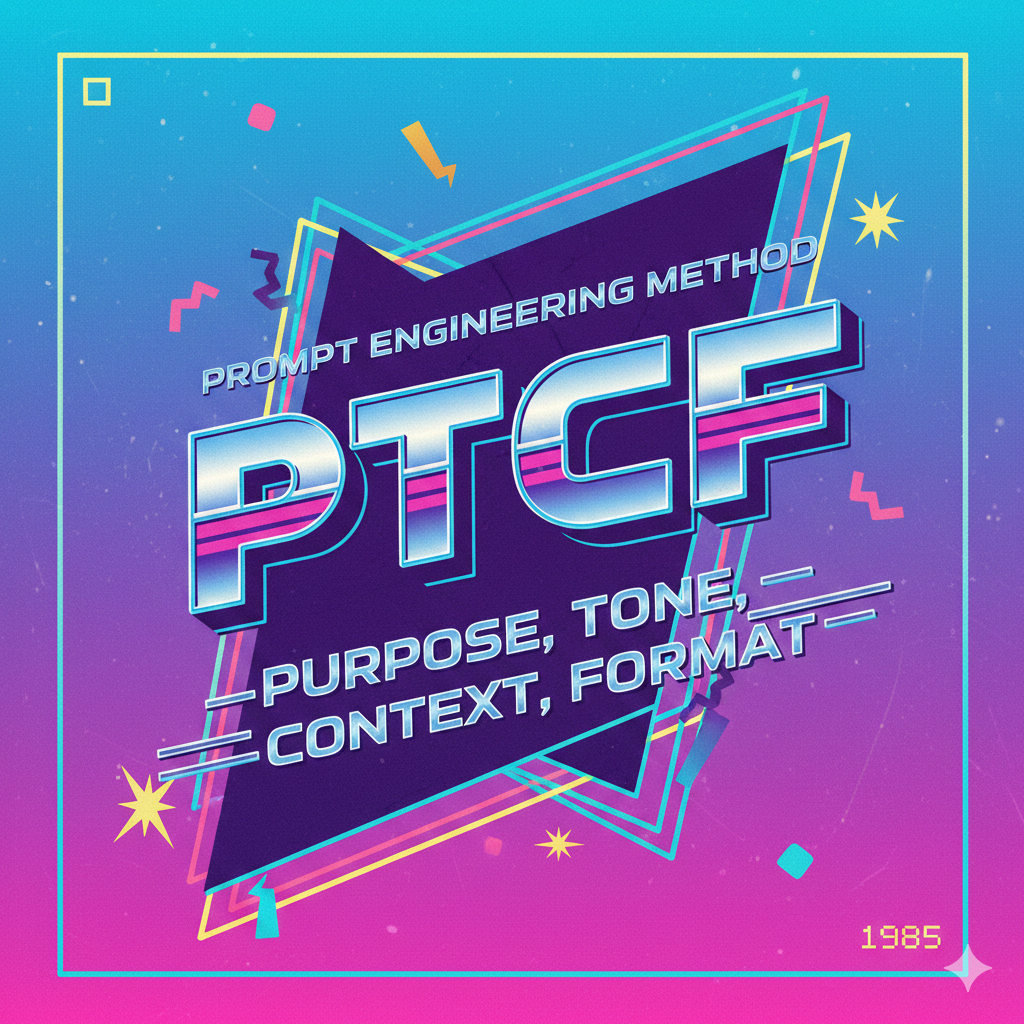
My prompt hadn’t been specific enough and I ended up with an image that had two glaring errors in it: ‘purpose’ instead of ‘persona’ and ‘tone’ instead of ‘task’. Being clear and specific about the task is key in ensuring you get the right results. Some examples…
-
- Draft a press release…
- Create a social media post for Instagram…
- Analyze this sales data…
Context
The more information you can give the GenAI, the better the results will be. That brings us to the idea of context – the background or supplementary information that the AI will need in order to properly and fully accomplish the task.
For instance, in our Chevy Tahoe example, the year the car was made might be useful context that would change how the AI responds. Or, in the example when the AI was assigned a ‘professional writing tutor’ persona, it could be helpful if there was context provided such as what grade levels that tutor serves, what kinds of writing it specializes in, or if it has any kinds of expertise/experience that might impact the kinds of feedback it would give. A professional writing tutor who works with fourth graders would be a much different persona than a tutor who works with four-year college students, for example.
Other examples of potentially useful/relevant context:
-
- Information about the audience for the document being created
- Restrictions or constraints that would apply (i.e. ‘use only the data from last year’)
- Documents needed for review, such as attaching the draft of the essay for the ‘tutor’ to provide feedback on and the requirements the essay writer was supposed to meet
Format
Of the four parts of the PTCF method, this is the one you might find yourself skipping, though it can be very useful in the right situation.
The format aspect of the PTCF allows you to specify how you want the AI to format or structure the results/output from your prompt. If you’re looking for a specific kind of document or output, this is the way you can request that. For example, if you want the output to be formatted like an email that you can send to a specific audience, you can ask the AI to do that. If you’re working with data and you want it formatted into a table or a chart, you can specify that. Some typical format requests might include:
-
- list data results using bullet points
- include emojis and a trackable hashtag
- present information in a numbered outline format
- do not include any headings or section dividers